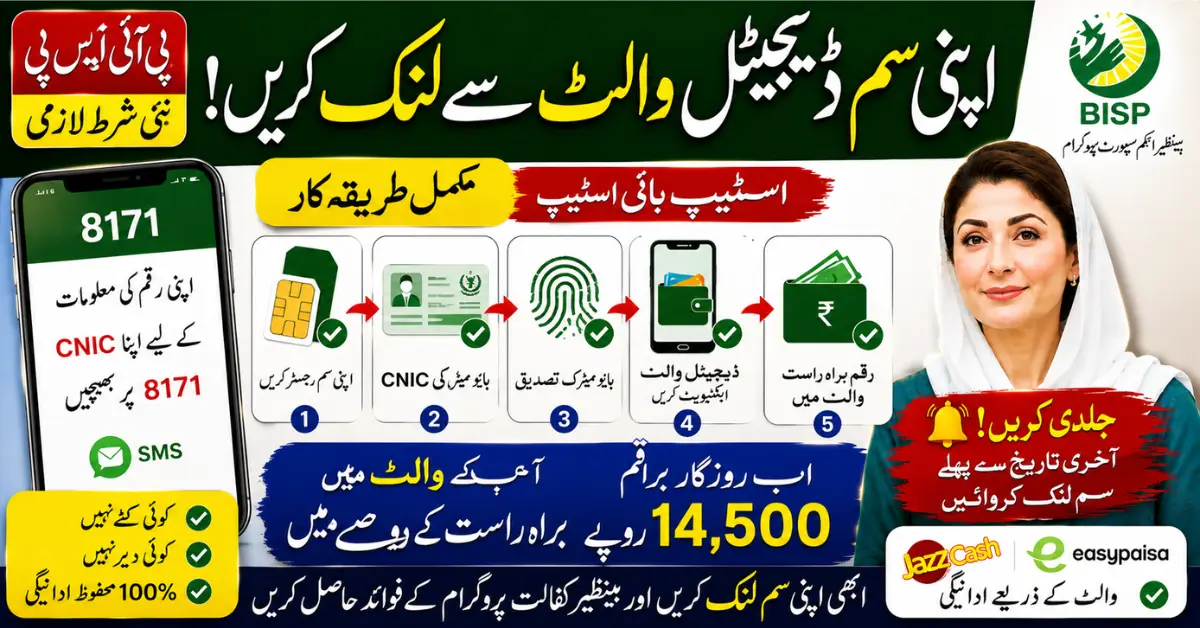
Last reviewed: 13 August 2026. This independent article summarizes BISP’s official announcement about a Social Protection Wallet payment model. It is not an activation portal or a promise that every beneficiary already has a wallet. Payment arrangements, verification steps, launch dates, and eligibility instructions must be confirmed through BISP’s official channels.
What BISP has officially announced
The Benazir Income Support Programme (BISP) has published information about an upcoming mobile-wallet payment model intended to move social-protection payments toward more secure and dignified digital delivery. The official announcement describes a workshop attended by BISP, government, financial-sector, telecom, and development-partner representatives.
The announcement says the model is intended to support direct digital payments to women beneficiaries and improve transparency. It also records an announcement that a pilot for direct bank-account opening was expected to begin on 14 August. That statement describes a programme development; it does not mean that every household can immediately open a wallet or that all payments have already moved to a mobile account.
What the wallet model is intended to do
According to BISP’s official announcement, the Social Protection Wallet model is intended to help beneficiaries receive support through a more secure and trackable payment arrangement. The goals discussed include reducing unnecessary handling of cash, improving transparency, supporting women’s financial autonomy, and strengthening the connection between the beneficiary’s identity and the payment channel.
The official announcement also refers to the female head of household with a valid CNIC as an important safeguard. The practical steps for an individual beneficiary—such as the bank, biometric process, account-opening route, or required SIM information—must come from BISP’s current instructions. Do not treat an unofficial blog checklist as a mandatory BISP procedure.
Is there an official “SIM-linking” process?
BISP’s wallet announcement does not authorize this website to activate a wallet, link a SIM, or confirm a payment. A mobile number or SIM may be relevant to future verification and communication, but the exact requirements can vary by the official rollout and the beneficiary’s case.
Do not enter your CNIC, wallet PIN, OTP, bank password, or biometric information into a website that is not an official BISP or designated financial-service channel. Do not pay an agent who promises instant wallet activation. If BISP asks a beneficiary to complete a verification step, follow the instructions received through the official channel and ask BISP to confirm anything unclear.
How to check your current BISP status safely
- Use the official 8171 portal at 8171.bisp.gov.pk for household eligibility information.
- Enter the CNIC and captcha only on the official portal. Check the web address carefully before submitting.
- Keep a note of the date and the result shown. A portal result is not a guarantee of a payment date or wallet activation.
- Follow any instruction that BISP has issued for your specific case. If the message is unclear, contact BISP through its official helpline or office route.
- Keep original documents and receipts when visiting an authorised payment or verification point.
What BISP has not promised in this announcement
The official announcement does not establish a universal fixed payment amount, a guaranteed activation date for every beneficiary, or a rule that every person must follow a third-party SIM-linking tutorial. It also does not make this website a BISP representative. Payment amounts, dates, surveys, wallet availability, bank choice, and biometric requirements must be verified from current BISP instructions.
How to avoid wallet and payment scams
Fraudsters may use the words “8171,” “digital wallet,” or “BISP verification” to make a fake message appear official. Never share a one-time password, wallet PIN, bank password, or ATM details with a caller or social-media account. Do not pay for a status check. If a message asks you to click a shortened link or install an unknown application, stop and verify it through BISP.
BISP’s official helpline is 0800-26477. Confirm the number and current complaint procedure on the official BISP website before acting. Keep screenshots, SMS messages, receipts, and the date of the incident if you need to report an unauthorised deduction or a suspicious request.
Official sources
Read BISP’s official Social Protection Wallet announcement, visit the BISP website, and use the official 8171 portal. These are the sources to check for later wallet instructions and rollout updates.
Related guides
For related information, read our BISP payment-problems guide, our BISP 8171 status guide, and our BISP PMT guide.
Govt Schemes Secrets is an independent information website. It is not BISP, a bank, a telecom operator, or a government payment agent. Confirm all case-specific instructions with BISP.